g0v SUMMIT 2016 網站開發

g0v-Summit-程式碼貢獻
時間:2016/4~2016/5月


Conventions over configuration if you plan to distribute this box
Hostname: vagrant-[os-name], e.g. vagrant-debian-lenny
Domain: vagrantup.com
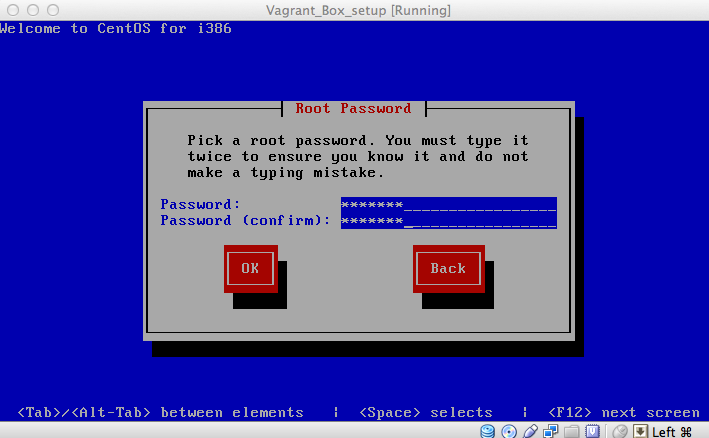
Root Password: vagrant
Main account login: vagrant
Main account password: vagrant
OS: CentOS-6.2-i386-netinstall
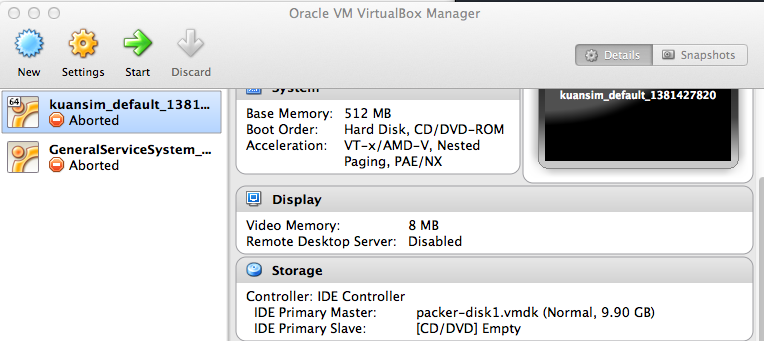
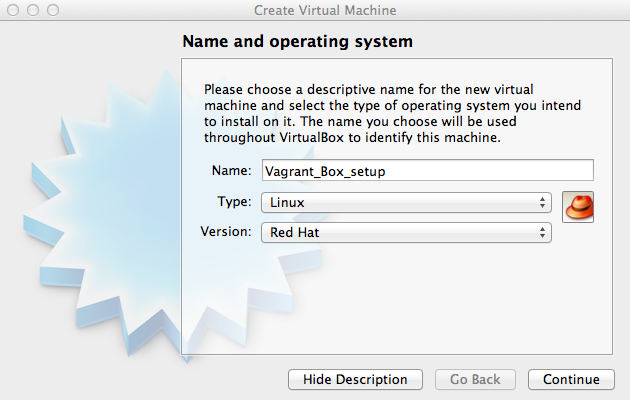
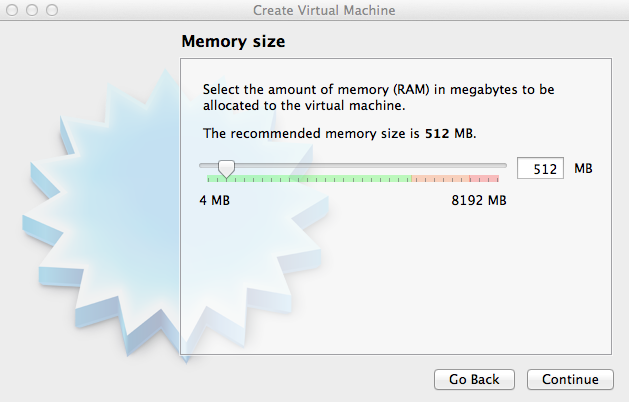
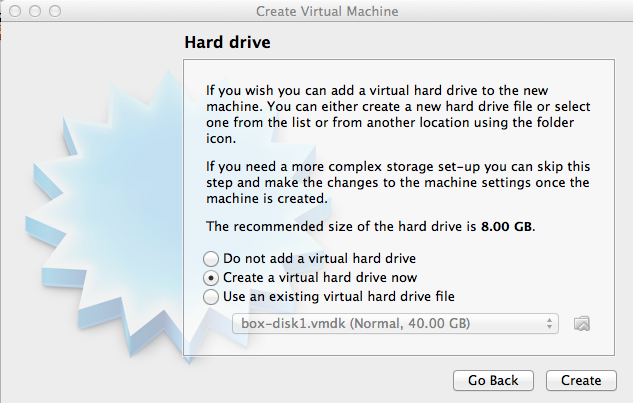
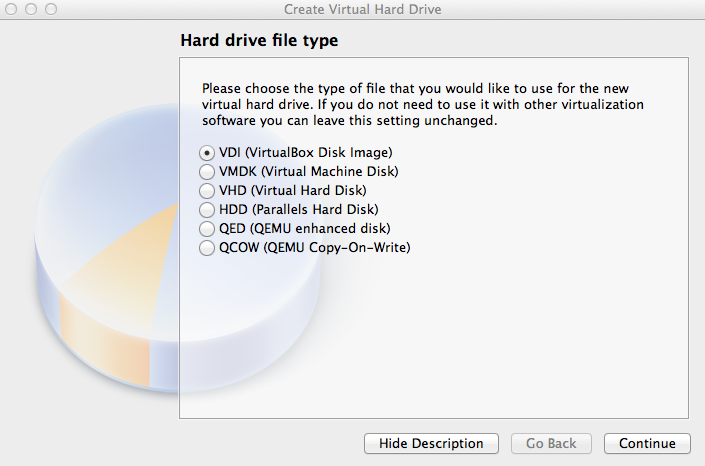
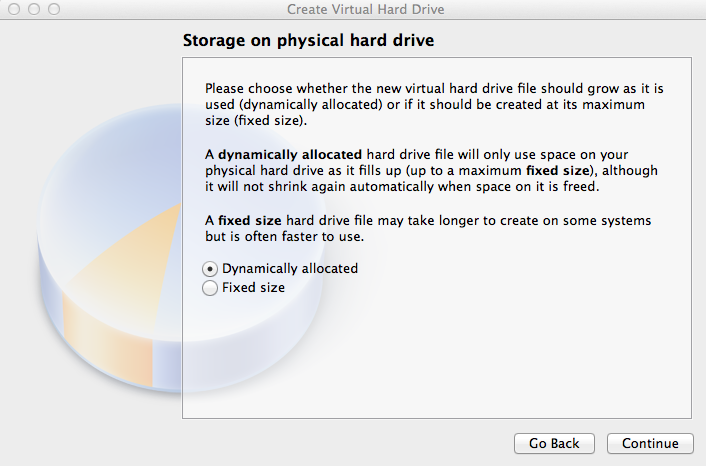
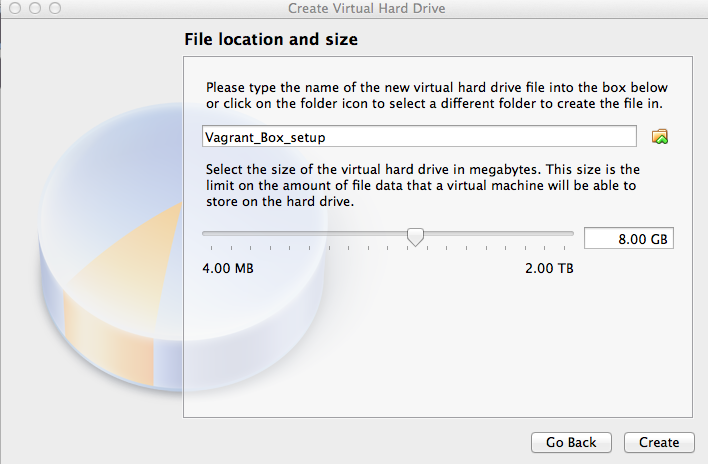
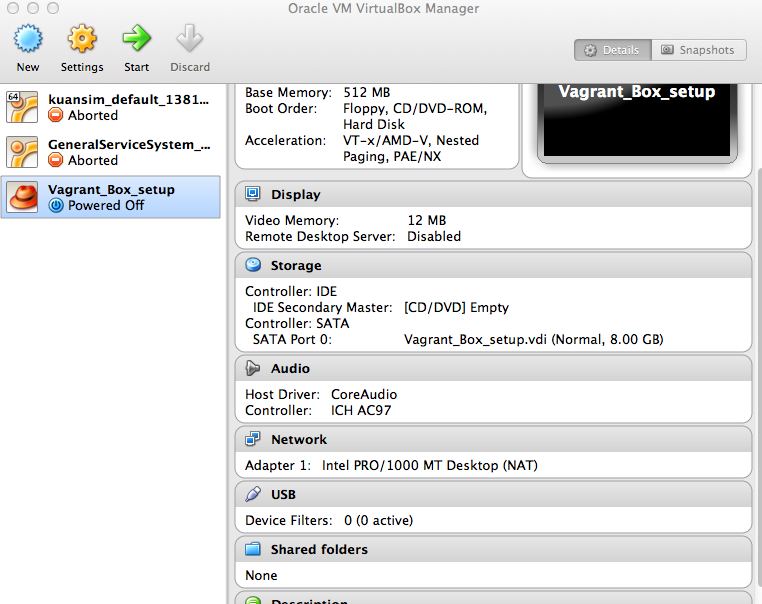
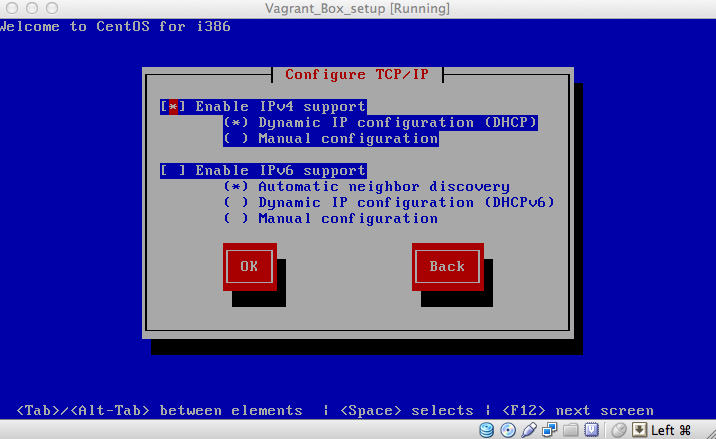
Disable iPv6 support
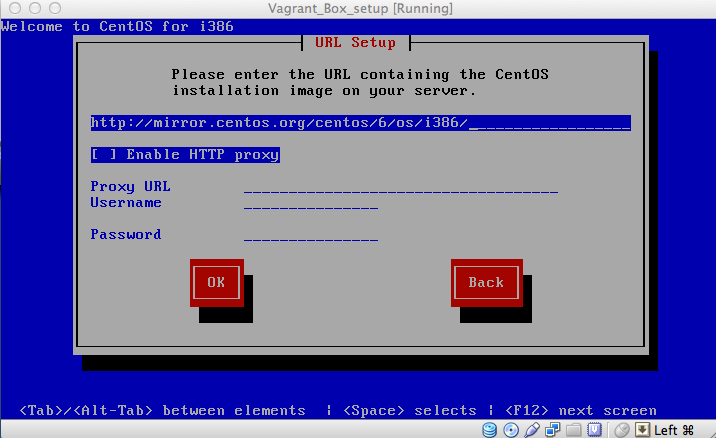
URL setup
image file link
Set vagrant as the root password
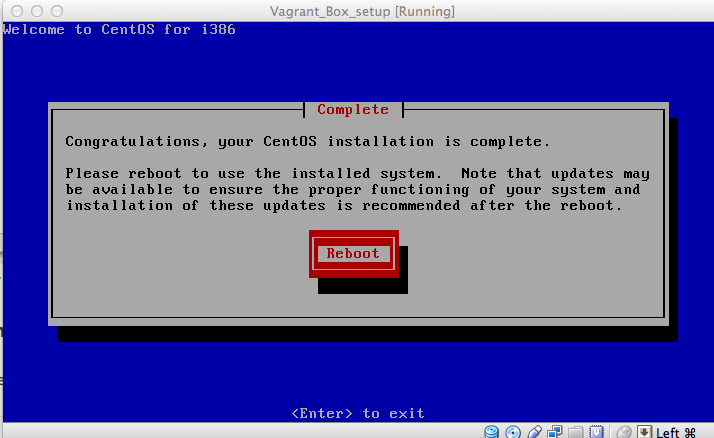
export KERN_DIR=/usr/src/kernels/`uname -r`
yum install -y gcc make perl kernel-devel kernel-headers
yum update kernel* -u
shutdown -r now
require 'redcarpet'
markdown = Redcarpet.new("Hello World!")
puts markdown.to_html
install the VirtualBox Guest Additions
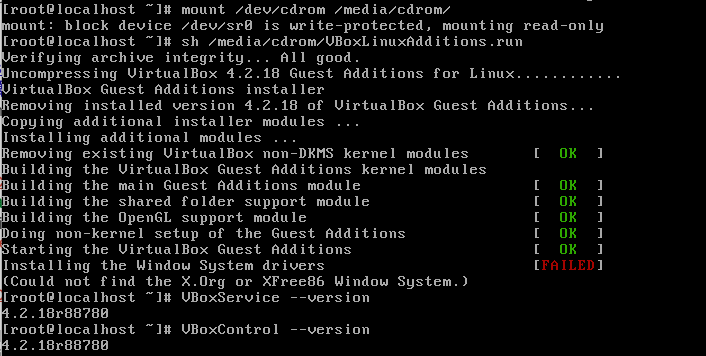
set vagrant user
groupadd admin
useradd -G admin vagrant
SSH configuration and user permission
echo "%admin ALL=NOPASSWD: ALL" >> /etc/sudoers
echo 'Defaults env_keep="SSH_AUTH_SOCK"' >> /etc/sudoers
vi /etc/sudoers
Add ! to the requiretty line. This enables vagrant to sudo remotely.
Default !requiretty
Add ssh public key
mkdir -m 0755 /home/vagrant/.ssh
$ curl -s https://raw.github.com/mitchellh/vagrant/master/keys/vagrant.pub > \> /home/vagrant/.ssh/authorized_keys
chmod 0644 /home/vagrant/.ssh/authorized_keys
Setup base box
cd ~/Documents/Virtual\ Machines.localized/.localized/
vagrant package --base Vagrant_Box_setup
[Vagrant_Box_setup] Clearing any previously set forwarded ports…
[Vagrant_Box_setup] Creating temporary directory for export…
[Vagrant_Box_setup] Exporting VM…
[Vagrant_Box_setup] Compressing package to: /Users/yoyo_chen/VirtualBox VMs/Vagrant_Box_setup/package.box
Vagrant_Box_setup yoyo_chen$ vagrant box add test_box package.box
Downloading or copying the box…
Extracting box…te: 17.2M/s, Estimated time remaining: 0:00:01)
Successfully added box ‘test_box’ with provider ‘virtualbox’!
Anyone who is interented in other OS platform can refer this
Debian
Debian OS iso
Building your own Base Box for Vagrant
Ubuntu
vanilla-boxes
Creating a vagrant base box for ubuntu 12.04 32bit server
CentOS
Creating a CentOS 6.2 base box for Vagrant
Creating a CentOS 6.2 Base Box for Vagrant 1.1
Vagrant Official Doc
Base Box
在威數意動工作期間,其中一項工作是負責手機廣告頁面製作
團隊:開發者1位、設計師1位
技術:HTML, CSS, JavaScript
製作時間:1~5天/專案

客戶:中華電信

客戶:中華電信

客戶:樂事


客戶:Sony

客戶:玉山銀行